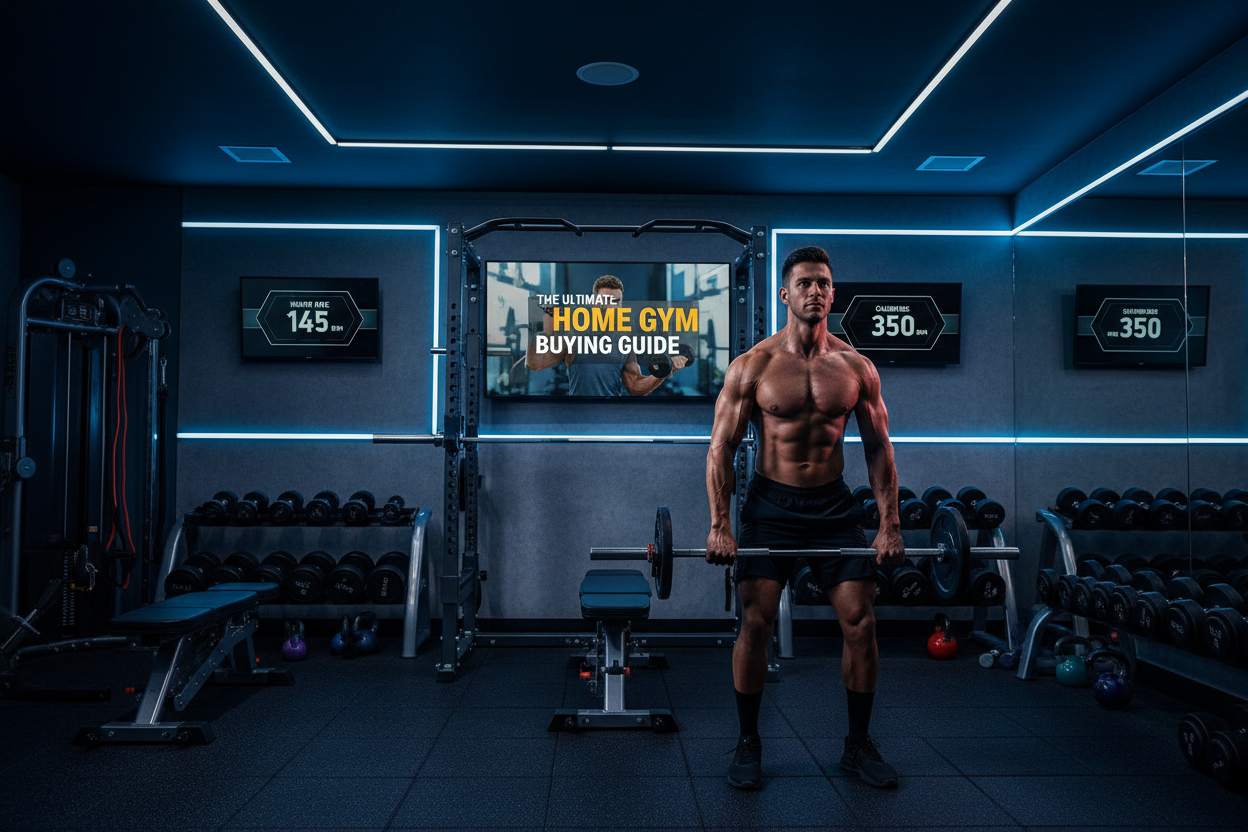
Gym Televisions: The Ultimate Home Gym Buying Guide
Staring at a blank wall during a grueling 5K row or squinting at a six-inch phone screen while trying to follow a yoga flow is a quick way to kill your workout motivation. Adding a dedicated screen can completely transform your training environment, but choosing the right gym televisions requires more thought than just grabbing the cheapest Black Friday deal.
Whether you are streaming high-intensity interval classes, casting your favorite lifting playlist, or just catching up on sports during steady-state cardio, the right setup matters. In this guide, we will break down exactly what you need to know to find the perfect display for your space, from screen sizing and glare reduction to optimal mounting heights.
Key Takeaways
- Viewing Height: Mount your screen based on your primary workout position (standing, seated, or floor work) using an adjustable tilt mount.
- Glare is the Enemy: Opt for LED or QLED panels with high peak brightness to combat natural light in garages and basements.
- Smart Connectivity: Built-in casting capabilities (AirPlay, Chromecast) are essential for streaming fitness apps directly to your screen.
- Audio Upgrades: Built-in speakers rarely cut it over the sound of a treadmill; plan to pair your display with a Bluetooth soundbar or headphones.
Finding the Best TV for Home Gym Environments
When shopping for a home gym tv, standard living room rules do not always apply. Your workout space has unique lighting, spatial constraints, and viewing angles that demand specific features.
Screen Size and Room Dimensions
Bigger is not always better. For a compact spare bedroom setup, a 40 to 43-inch screen is usually plenty. If you are outfitting a two-car garage or a deep basement, stepping up to a 55 or 65-inch model ensures you can see the timer on your workout room tv from the opposite side of the room. The goal is to avoid straining your neck or eyes while keeping your form dialed in.
Brightness and Glare Control
Garages with open doors and basements with harsh overhead LED lighting create massive glare issues. When looking at gym tvs, prioritize models with anti-glare coatings and high peak brightness. While OLEDs offer incredible contrast for movie nights, a brighter QLED or standard LED panel is often the more practical and budget-friendly choice for a tv in home gym settings.
Space Planning: Mounting Your Display
Placement dictates performance. A poorly positioned tv for exercise room usage will lead to neck strain and ruined posture.
The Art of the Swivel Mount
Unlike a living room couch, your position in a gym changes constantly. You might be standing at a power rack, seated on a rower, or lying on a mat for core work. A full-motion articulating mount is non-negotiable for a tv gym setup. This allows you to pull the screen out, tilt it down for floor exercises, and push it safely against the wall when swinging kettlebells.
Protecting Your Investment
If your gym is in a high-traffic area or a tight garage, screen protection is vital. Mount the screen high enough to clear rogue barbell plates and jumping rope arcs. For uninsulated spaces, be mindful of extreme temperatures and humidity, which can shorten the lifespan of standard consumer electronics.
From Our Gym: Honest Take
When we first set up our facility's primary testing garage, I made the mistake of mounting a cheap 50-inch display completely flat against the wall at eye level. It looked great when standing, but the moment I dropped to the floor for mobility work, the screen color washed out and I could barely see the instructor. I also severely underestimated the glare from the driveway when the garage door was open.
We eventually swapped it for a brighter 55-inch QLED on a heavy-duty, full-motion arm. The difference was night and day. Being able to angle the screen down 15 degrees completely eliminated the glare and saved my neck during long stretching sessions. It proved to me that the mount is just as important as the screen itself when setting up tv for gyms.
Frequently Asked Questions
What size is the best tv for home gym use?
For most standard 10x10 spare bedroom gyms, a 40 to 43-inch screen is optimal. If you are in a larger basement or garage where you might be 10 or more feet away from the screen, a 50 to 55-inch display is highly recommended so you can easily read workout timers and class metrics.
How high should I mount a tv for workout room setups?
Mount the center of the screen at your natural eye level based on your most frequent workout posture. If you primarily do standing barbell work or use a treadmill, mount it higher (around 60-65 inches off the floor). If you do a lot of yoga or rowing, mount it lower or use a tilting wall bracket.
Do I need a special outdoor model for a garage gym tv?
Unless your garage is completely open to the elements, rain, or extreme condensation, a standard indoor display will usually suffice. However, if you live in an area with extreme humidity or temperature swings, consider a commercial-grade display or adding a protective dust cover when not in use.